
User Identification for React Native
This section covers how to bind each report to the identity of the user reporting the problem for your React Native apps. You have the flexibility to add some extra attributes about the device as well as the user.
Instabug helps you better identify the bug reports or feedback you get by associating a user's identity to them.
User Email and Name
If you already have a user's name and email, you can pre-fill the email field in the bug, feedback, and question reporting flow. The user will then be identified in all reports (bugs, improvements, questions), crashes, surveys, and feature requests.
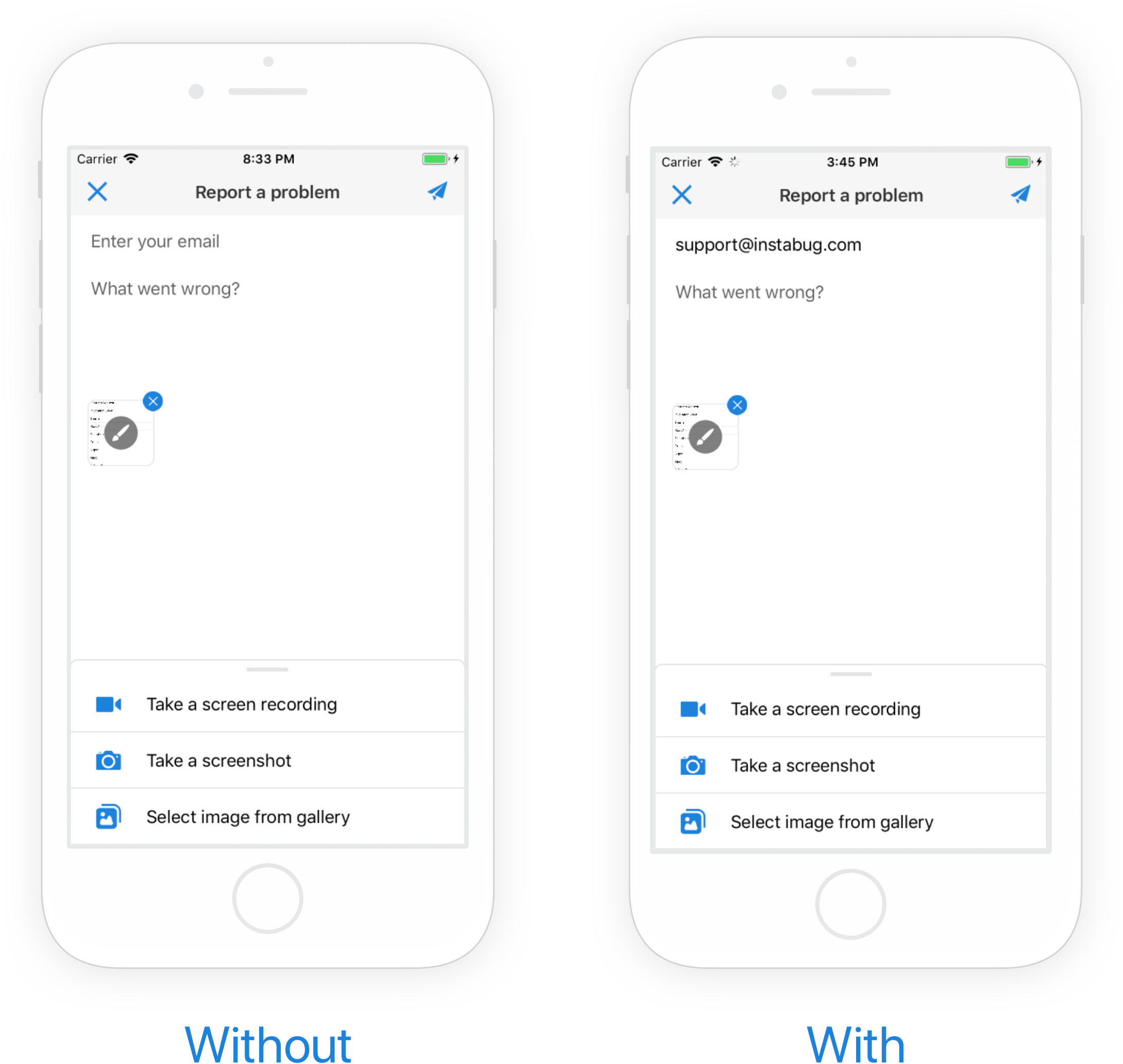
An example of a pre-filled email field in the bug reporting form.
Ideally, this API should be called as soon as a user logs into your app.
Instabug.identifyUser("e-mail", "username", "id");

//Example:
Instabug.identifyUser("[email protected]", "John Appleseed", "2374927027");
Null ValuesIf both the email and ID parameters are empty or null, the user will not be identified, and the SDK will through an error.
User Data
You can also add additional data about your users. This API is best used for dumping large amounts of data. Each call to this method overrides the user data to be attached. The maximum length of the string is 1,000 characters.
Instabug.setUserData("User data sample");Logout
When a user logs out, the following API should be called. Calling logOut will reset the value of the email and name previously set. It will also remove any currently set user attributes, user events, user chats, and user data.
Instabug.logOut();
Logout only when user is identifiedPlease note that if the user is currently not identified using the
identifyUserAPI, thelogOutmethod will have no effect.
Updated 3 months ago
With your users identified, they no longer need to input their email and name when reporting bugs or submitting feature requests and you'll know the name of users chatting with you. Learn more about each product below.